Looking for a script for Anime Adventures? Published entries in this collection: 2. Listed features include Auto Play, Auto Event, Macro, Auto Farm, Auto Dungeon. Start by deciding which action matters to your session. The cards provide the actual variants, so compare their descriptions before choosing a familiar name or a promising feature label.
Available Anime Adventures scripts
Compare the 2 entries for Anime Adventures by purpose, requirements and project name. Similar labels can describe different menus or approaches; read each variant before obtaining its source.
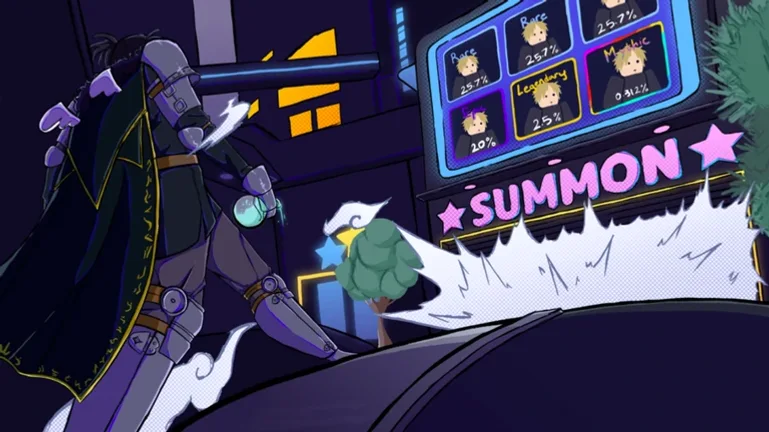
Apel Hub is a script for Anime Adventures with Auto Play, Auto Event, and Macro tools. Checked: November 2, 2026. so the listed functions follow the source and available code. No dedicated Apel Hub screenshot was available; the image uses the official Anime Adventures cover.
The listed functions are Auto Play, Auto Event, Macro. Its script-key status is Key required; this requirement belongs to this exact entry.
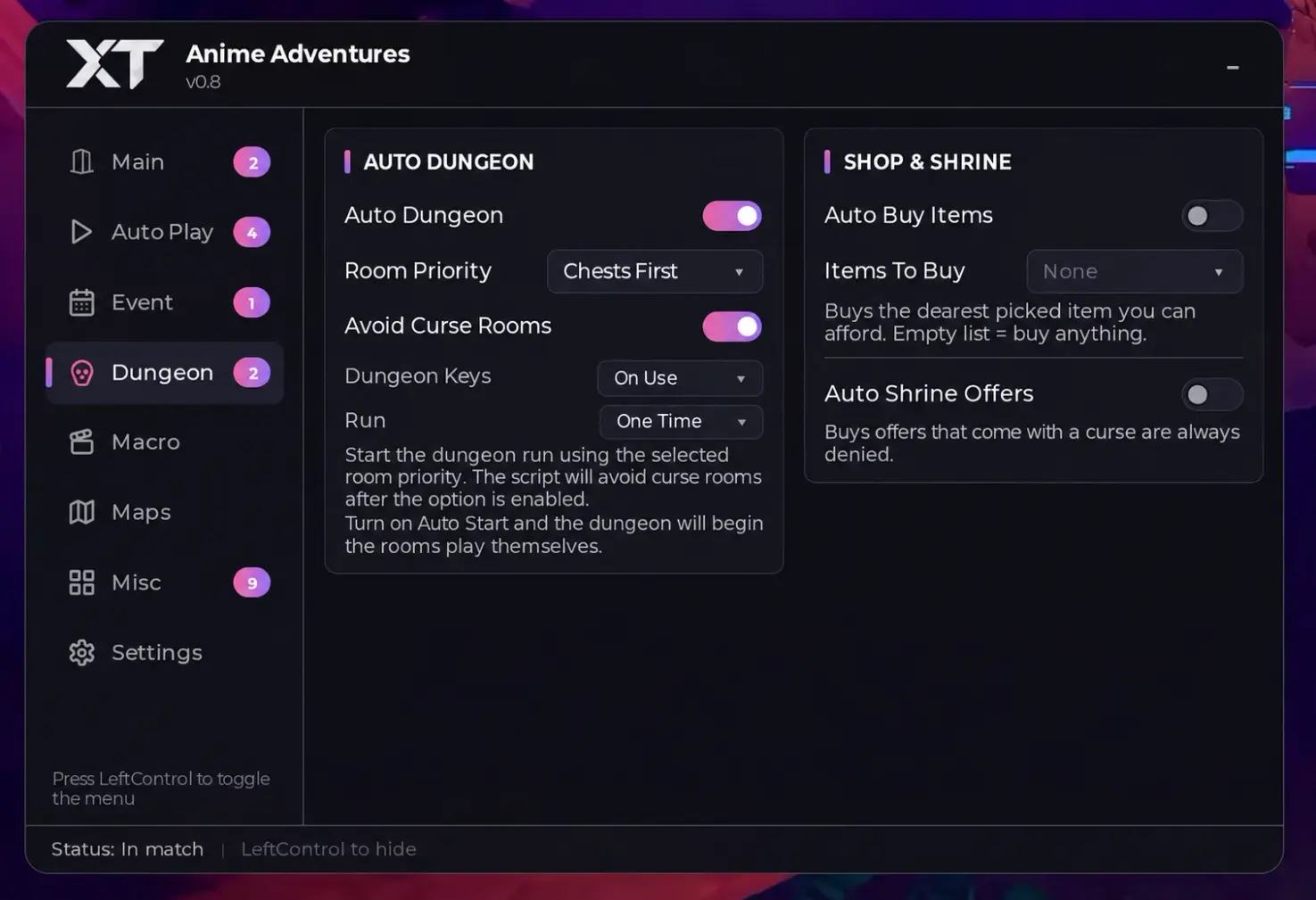
XT Hub for Anime Adventures includes tools for Auto Farm, Auto Play, macros, and Auto Dungeon runs. Checked: November 2, 2026.
The listed functions are Auto Farm, Auto Play, Macro, Auto Dungeon. Its script-key status is Key required; this requirement belongs to this exact entry.
Features to compare in Anime Adventures
The available feature labels for Anime Adventures include Auto Play, Auto Event, Macro, Auto Farm, Auto Dungeon. Read them alongside the individual descriptions. A function listed for one variant does not automatically belong to another, even when both target this game.
For progression or automation in Anime Adventures, identify the task the author actually describes. Farming, completing a task and changing a setting are different functions. Compare the listed routine with your immediate goal; a broad Auto Farm label should not be read as a promise to complete every stage or activity automatically.
Interface-focused options matter when choosing how you will use a menu. Read which controls or visual settings are described for Anime Adventures, and separate appearance from actions performed by the script. A familiar panel name does not establish identical buttons across variants or automatic support for a different device.
Script keys and access
Each published entry has a script-key requirement; the total is 2. Follow the process stated for your chosen project and keep it separate from the executor’s requirements. If access fails, record the message and the correct variant rather than substituting an unrelated key.
Copy code or download Lua
Each card keeps DOWNLOAD above its complete code. Choose it to open the selected script’s download page, wait 15 seconds, and obtain the Lua file. Use Copy when you need the source as text. Preserve the whole block, including comments, quotes and any loader address; the file is source code rather than an executor installer. A saved loader can still depend on an external source.
Devices and controls
You can read this collection and obtain code on a PC or phone. Running it is a separate question: check your executor’s documented platform and required functions. A menu that relies on keyboard shortcuts does not automatically support touch. The catalog association with Xeno does not establish a test on every device or executor build.
Once you have matched the purpose, game and access requirement, return to the chosen card. Keep its name with the saved source so that future comparisons and error reports refer to the correct variant.